Sequences send; the focus zone decides what a human does about it. Signals are ranked by a formula printed on the screen (engagement, recency, persona severity) and each arrives with the move to make.
“Proposal re-opened: 3 times in 24 hours after 9 quiet days. Call within 24h; pricing is top of mind.” That is the top of the demo focus zone. Not a dashboard. A decision.
outbound.cedxsystems.com, live build
Runs on demo data. Northline Outbound in the chrome is the demo workspace, not a customer.
48 sequences · 6,927 enrolled26 active across three channels
4.5% avg reply rate391 replies logged across sequences
157 meetings bookedof a 120 target, pace ring at 100%
What it is
Three places outbound usually goes blind.
A focus zone with its formula on the screen
Fourteen signals, ranked by weight = engagement + recency + persona severity. The arithmetic is printed at the top of the list. Each signal names the person, the account context and the move: call within 24 hours, send the meeting link, pause the mailbox and verify the list segment.
weight = eng.50 + recency.30 + severity.20
Accept pushes to the task queue · snooze clears 24h
Reply triage: 18 auto-paused sequences
outbound screen-2
Sequence health as a first-class number
48 sequences with status, channel, steps, enrolled, active, open rate, reply rate, meetings and owner. The worst performers are not hidden: the Overview lists every sequence with health under 60 and how many prospects are stuck in it.
Partner-sourced warm: 9.1% reply, 7 meetings
Health < 60 listed with stuck counts
Email · multi-channel · social as channel rows
outbound screen-3
Mailbox capacity watched like a budget
The pool card reads 48% (1,290 of 2,715 daily sends) and the top alert is a single mailbox at 98% capacity with the fix attached: move traffic to the secondary domain, pause the founder-led sequence until the list is cleaned.
24 mailboxes in the pool
Bounce spike → pause mailbox, verify segment
64 tasks due today, 78 overdue
outbound overview
Product tour
Four screens, captured from the running build.
Not a mockup and not a concept deck. This is what opens at /app/outbound.
outbound.cedxsystems.com
01 Overview
The pod's numbers, uncomfortable ones first
49 active prospects of 320, 391 replies, 157 meetings. The alerts do the honest work: a breakup sequence with 28% of its people stuck, an enterprise-cold sequence whose reply rate slipped 0.6 points, a mailbox at 98%.
Prospects by status: active through opted out
Lowest-health sequences named with stuck %
Do-this-next ranked by impact + effort
02 Focus zone
What to do in the next hour, decided
Signals ranked 1 to 14 with weights: a proposal re-opened at weight 78, a hot reply at 74, two new stakeholders on one account at 66, a champion who opened every touch at 61. Each has Accept and Snooze. The queue is the job.
Positive replies waiting: 5, routed to the AE
Step-overdue signals name the exact step
Bounce spike signal names the domain
03 Sequences
Every sequence, with its batting average
Sort by reply: partner-sourced warm at 9.1%, expansion at 8.2%, a portfolio-intro at 6.9%, down to the paused budget-holder path at 0 active. Meetings per sequence is a column, so “meetings booked” is attributable, not folklore.
Steps per sequence: 3 to 9
Event follow-up: 220 enrolled, 15 meetings
Filter chips: Active · Paused · Draft · CSV
04 Prospects
The people underneath the sequences
320 prospects with status, sequence, step and a score bar: 99 down to 95 in the first page. Bounced, opted out and finished are statuses you filter by, so list hygiene is a view, not a project.
49 active · 90 replied or in a meeting
Statuses: active through opted out
Sequence and step named on every row
Who runs it
Three roles make outbound a craft.
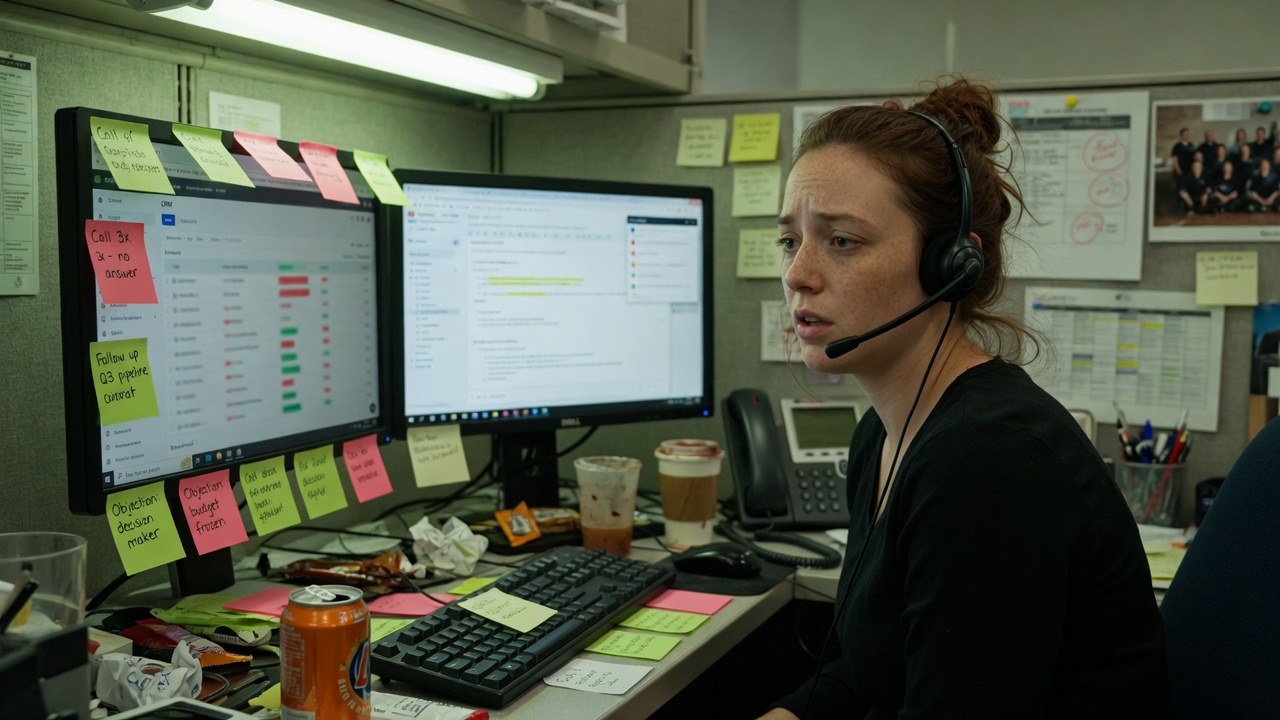
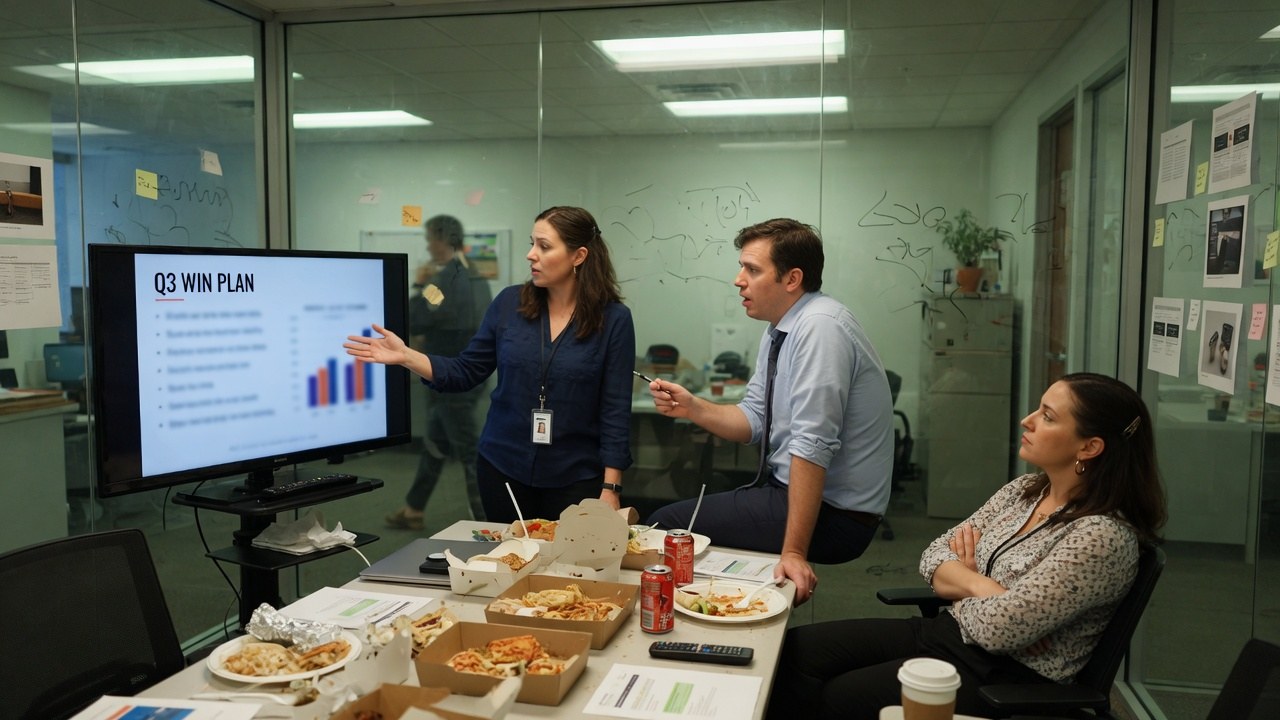
Roles, not references. We have no named customers yet, so nobody in these photographs is quoted, credited or claimed as one.
SDR
Lives in the focus zone: accept, act, snooze. The day's first hour is decided by weights, not by whoever shouted last.
signals · 14
Account executive
Gets the routed handoffs: five positive replies waiting, each with the sequence and the thread attached. The meeting is the handoff, not the intro.
positive · 5
Outbound lead
Owns the health board and the mailbox pool. When a sequence's reply rate slips 0.6 points, the fix (new first-touch subject, trimmed steps) ships this week.
pool · 48%
The shape of it
What the demo workspace actually looks like.
Every figure below is legible in the captures above. Nothing here is a projection of your estate. It is the state of the demo data.
320prospects in the pool49 active in flight
4.5%average reply rate391 replies logged
157meetings bookedtarget 120 · pace 100%
48%mailbox pool used1,290 of 2,715 daily
Prospects by status320 people across seven states · demo workspace
Finished50
Active49
Bounced49
Paused45
Replied45
Meeting45
Opted out37
Meeting pace against target157 booked of a 120 target
Booked · 157
Target · 120, pace ring reads 100%
Mailbox pool headroom1,290 of 2,715 daily sends used
48%
Used · 48%
Headroom · one mailbox at 98% has its own alert
How it runs
An outbound week, in the order it actually happens.
01
Protect the pool
Capacity and bounce rates come first: a mailbox at 98% or a domain over 6% bounce gets fixed before another send goes out.
02
Work the focus zone
Ranked signals with the formula visible. Accept pushes to the task queue; snooze clears for 24 hours; nothing rots silently.
03
Read replies as triage
A positive reply auto-pauses the sequence and routes to the AE. The 18 auto-paused sequences in reply triage are the system working, not failing.
04
Tune by health
Sequences under 60 health get rewritten or paused. Reply rate by sequence is on the table, so the rewrite list writes itself.
One record
The prospect becomes the deal the estate already keeps.
Outbound is the top of one record, not a separate list in a separate tool. Replies, meetings and handoffs land on the same people and accounts.
Finding this out on the third call is worse for you than reading it here, and worse for us.
Outbound is not generally available. What opens today is the live build running on demo data: Northline Outbound in the chrome is the demo workspace, not a customer.
We have no named customers to show you, so this page shows none. The prospects and senders in the captures are demo data, not references.
Sending reputation is real infrastructure: domains, warmup and daily caps are your estate's decisions. The demo shows the pool and its limits; it does not outsource deliverability to magic.
Reply and meeting figures (4.5%, 157 meetings) are the demo workspace's state, not benchmarks for your market, list or message.
No audit or compliance certification has been issued. What we can evidence about hosting, encryption and access is on the security page.
Yes. Every screenshot is a capture of the running build at /app/outbound, on demo data. The demo workspace is named in the chrome.
What exactly is the focus zone?
A ranked list of signals: engagement, recency and persona severity, weighted 50/30/20, with the formula printed on the screen. Each signal carries the recommended move, and accepting it pushes a task to the rep's queue.
What happens when someone replies?
The sequence auto-pauses for that person and the reply lands in triage. Positive replies route to the account executive with the thread attached. Five are waiting in the demo workspace, each labelled with its wait time.
How is deliverability handled?
Visibly. The mailbox pool card shows daily capacity used (1,290 of 2,715) and alerts name the mailbox at 98% and the domain whose bounce rate crossed 6%, each with a fix. Caps and warmup are deliberate, not automatic.
Is Outbound audited or certified?
No certification has been issued. What we can evidence about hosting, encryption, tenant isolation and production access is written up on the security page.
The focus zone is ranked. Go and look at it.
Live build, demo data, no card. Then ask your team what the reply window is on a hot response, and who is watching it.