One inbox for the whole company, run as an operation.
Support@, sales@, billing@, hello@ and noreply@ land in one place, with a needs-reply queue instead of an unread count, a wait time on every thread, and a delivery score on every sending domain.
The most honest numbers on this page are the ones the software prints on itself: 77 threads need reply, median wait 4.1 hours. A mailbox that can see its own backlog is one you can manage.
mail.cedxsystems.com: live build
Runs on demo data. The sending domains on screen are the demo fleet's, not yours.
77 threads need replymedian wait 4.1h, printed on the overview
Delivery score 63volume-weighted across the sending domains
What it is
Three things a shared inbox has to get right.
A needs-reply queue, not an unread count
The inbox opens on the 77 threads that owe someone an answer, sorted so the worst wait, 17.4 hours on a billing thread, sits at the top. Every row carries its mailbox, priority, wait and assignee, so triage is a sort, not a scroll.
Needs reply 77 · unread 104 · starred 100 as tabs
Mailbox, priority, wait and assignee on every row
VIP flag on the threads that carry it
mail inbox
48 labels, and 13 of them are stale
Labels are inventory, not decoration: 20 built-in system labels and 28 the team defined, each with its thread count, unread count and health. Q3 nurture holds 210 threads; the 13 low-activity labels are flagged stale so the taxonomy gets pruned instead of fossilising.
System vs team-defined, counted separately
Threads and unread per label
Stale flagged at 13, with last-updated dates
mail screen-3
Every thread, one line of state
320 threads across inbox, sent, archive, spam and starred. Each row shows message count, folder, mailbox and who has it, so “where did that customer thread go” is a filter away, not a forward-and-pray.
320 threads · 123 inbox · 97 sent · 25 archived
Message count and folder on every row
Search across subject, sender and label
mail screen-4
Product tour
Four screens, captured from the running build.
Not a mockup and not a concept deck. This is what opens at /app/mail.
mail.cedxsystems.com
01 Overview
The mailbox's own scoreboard
Unread 104, needs reply 77, queue depth 78 failed-and-retry, delivery score 63, median wait 4.1h. The alerts arrive root-caused: one sending domain at score 5 with bounce 6.2% and an IP reputation of 48, 27 outbound messages needing retry, a nurture sequence losing people at step 3.
Delivery health as a ring: 24 at risk, 8 critical
Threads by label: VIP 90, Sales 57, Support 36
Lowest delivery scores per sending domain
02 Inbox
Work the queue by wait, not by arrival
The needs-reply tab is the work: 77 inbound threads with the clock running, worst first. Password-reset spam after a deploy, a refund inquiry after a migration, a VIP demo request, each with its mailbox, priority and an assignee already attached.
Worst visible wait 17.4h, assigned and labelled
Mailbox filter chips across the five shared boxes
CSV export of the view you were looking at
03 Labels
The taxonomy shows its own wear
48 labels with threads, unread and a health column per row. Newsletters and Lifecycle-C carry 88 threads apiece and are marked stale. The list tells you which labels still earn their place.
Q3 nurture: 210 threads, active
Support: 128 threads with 34 unread, system label
Health column reads Active or Stale
04 Threads
The full ledger, folders included
All 320 threads in one table, including the ones in spam and the ones someone starred and forgot. Message counts show which threads are growing; the VIP flag shows which ones matter.
Email bounce for admin users: 12 messages, spam folder
Api rate limit intermittent: 17 messages, VIP
Assignee and last-activity date on every row
Who runs it
Three roles keep the inbox honest.
Roles, not references. We have no named customers yet, so nobody in these photographs is quoted, credited or claimed as one.
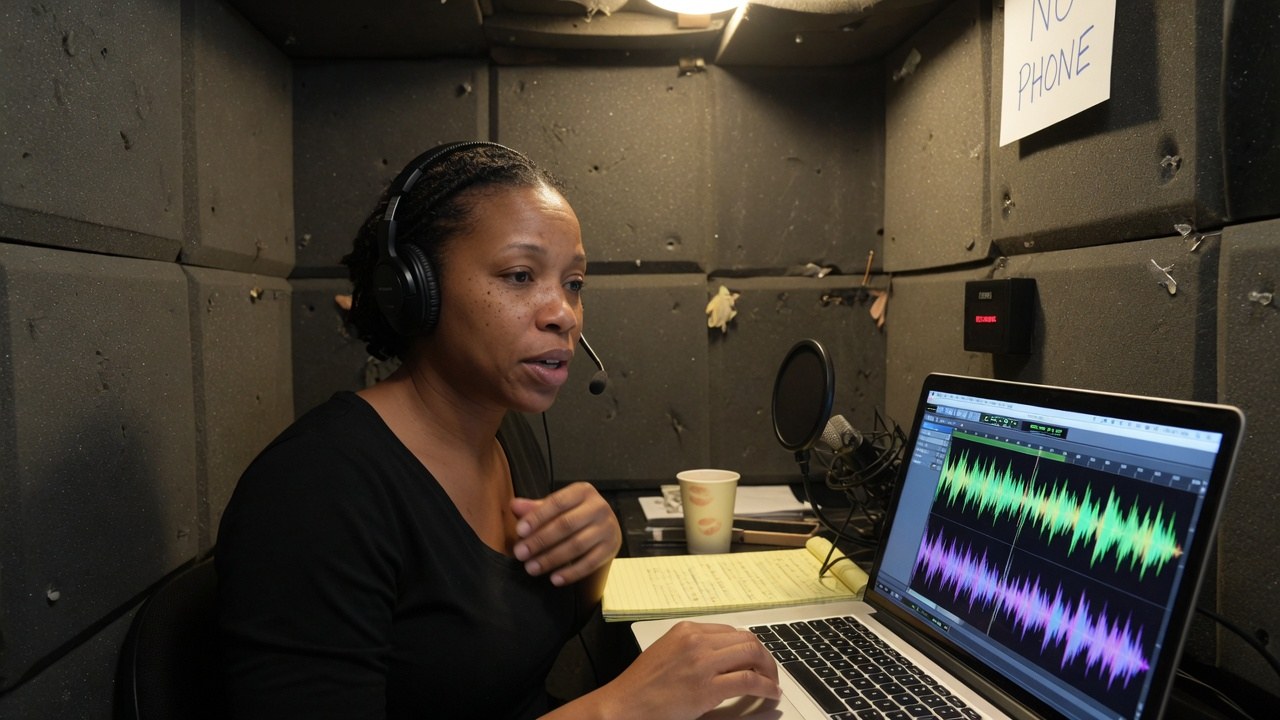
Support inbox lead
Lives in the needs-reply queue. Owns the median wait and the 17-hour tail, and assigns before the morning standup instead of after it.
needs reply · 77
Deliverability operations
Watches the per-domain scores and the send queue. When a domain drops to 5 with bounce at 6.2%, that is their page, not a surprise in a weekly report.
delivery score · 63
Sales inbox owner
Works sales@ and the VIP flags. The demo request waiting 15 hours is pipeline, and the queue treats it that way.
VIP threads · 90
The shape of it
What the demo workspace actually looks like.
Every figure below is legible in the captures above. Nothing here is a projection of your estate. It is the state of the demo data.
320threads in the workspace123 in the inbox folder
Finding this out on the third call is worse for you than reading it here, and worse for us.
Mail is not generally available. What opens today is the live build running on demo data, a workspace called Northline that exists so you can click everything.
We have no named customers to show you, so this page shows none. People, domains and companies named on screen are demo data, not references.
The delivery scores and sending domains in the captures are the demo fleet's. Nothing here is a claim about the reputation or placement you would see on your own domain.
The mailbox count on this page is five shared boxes, which is what the demo workspace shows. Limits for larger fleets are not something we are claiming here.
No audit or compliance certification has been issued for Mail. What we can evidence about hosting, encryption and access is on the security page.
Yes. Every screenshot is a capture of the running build and you can open the same build at /app/mail. It runs on demo data. The threads, waits and scores belong to a demo workspace, not to a customer.
How is this different from forwarding a shared mailbox?
Forwarding gives everyone a copy and nobody a queue. Here the needs-reply tab owns the work: 77 threads with waits, priorities and assignees, so two people never answer the same customer and nobody's thread waits 17 hours unseen.
What does the delivery score actually measure?
It is a volume-weighted score across the sending domains in the fleet, 63 in the demo view, with the lowest domains tabled underneath: score, bounce rate and, in the alert, the IP reputation behind it. It exists so a deliverability problem is a page you open, not a rumour.
Can we see which mailboxes are falling behind?
Yes, per box and per label. The inbox breaks needs-reply, unread and starred into tabs per mailbox, and the labels view carries thread and unread counts per label. Support shows 128 threads with 34 unread in the current view.
What happens to threads that are not inbox work?
They stay in the ledger. The threads view holds all 320, including spam, starred, archived and sent, with message counts and folders, so nothing disappears into someone's personal archive.
Is Mail audited or certified?
No certification has been issued. What we can evidence about hosting, encryption, tenant isolation and production access is written up on the security page.
The queue is live. Go and look at it.
Live build, demo data, no card. Then check what your own support@ wait time looked like this morning.